iPad – Community
 |
| tap on header |
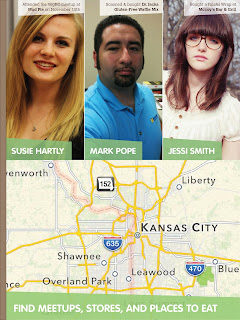 |
| tap on the map |
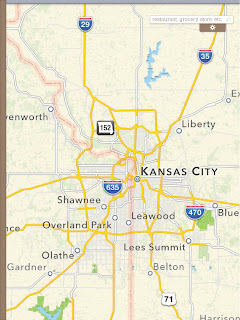 |
| drag the options tab down |
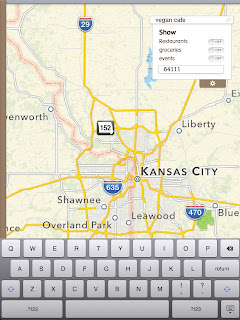 |
| fill out criteria and tap the search icon |
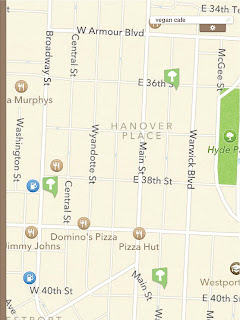 |
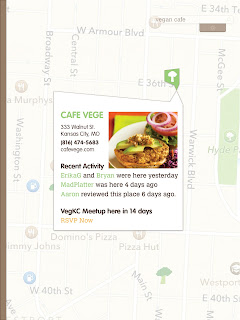
| tap the top broccoli icon |
 |
| tap the RSVP Now link |
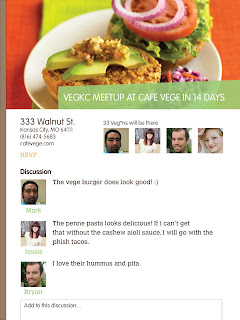 |
| read comments and info |
iPad – News
 |
| tap the image |
 |
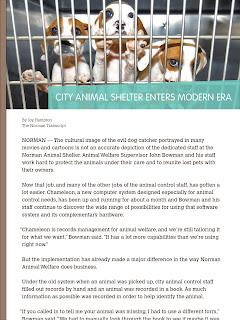
| tap the article about animal shelters |
 |
| after reading drag the sidebar over |
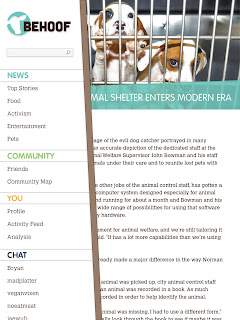 |
| tap a username to start a conversation |
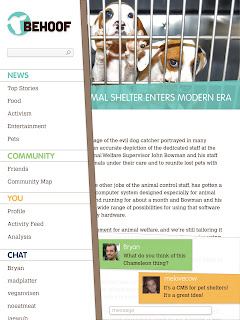 |
| drag the sidebar back to the left |
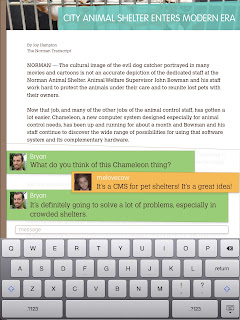 |
| continue conversation |
iPhone – Before You Go
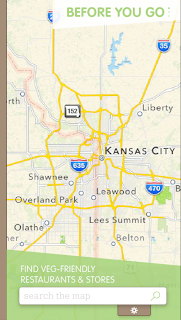 |
| tap the advanced search icon |
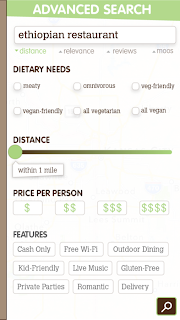 |
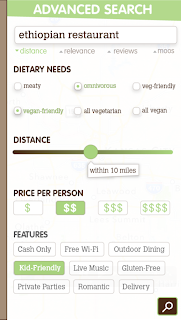
| fill out search critera |
 |
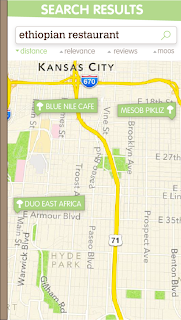
| tap search button |
 |
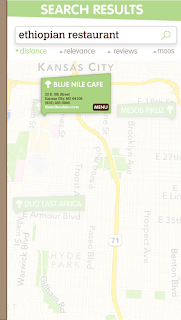
| tap Blue Nile Cafe |
 |
| tap menu button |
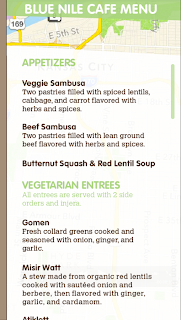 |
| view menu |
iPhone – Second Look
 |
| tap on the screen |
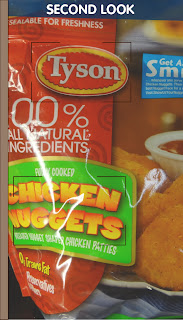 |
| scan product with iPhone camera |
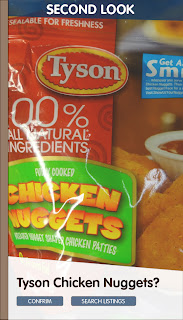 |
| tap confirm |
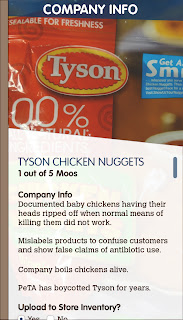 |
| read company info and scroll down |
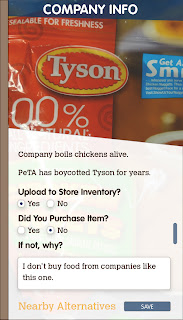 |
| fill out feedback and tap save |
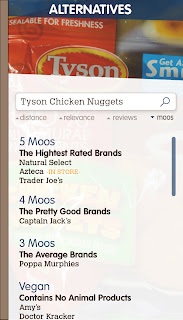 |
| view alternatives |
Website – Ordering Food Online
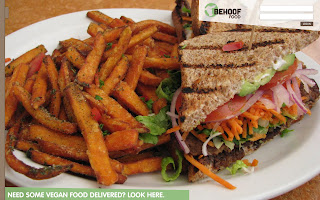 |
| log in |
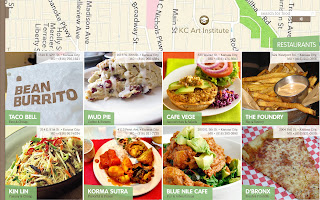 |
| click Mud Pie |
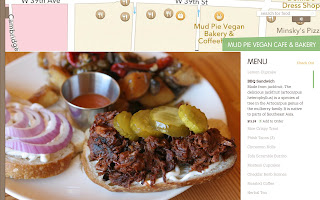 |
| click gray items to see details. add items to cart. view cart |
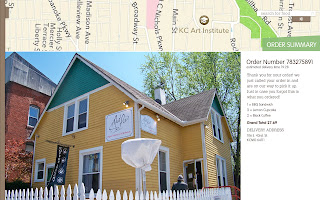 |
| review order confirmation |
Website – Dashboard
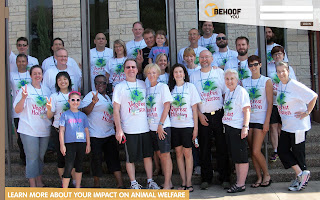 |
| user dashboard section |
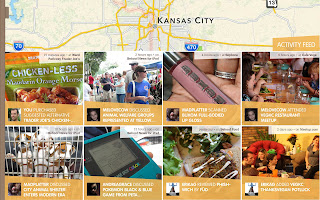 |
| click and drag the sidebar’s tab |
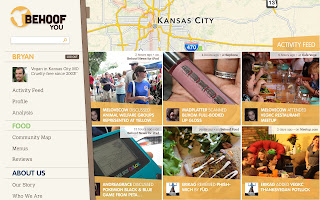 |
| click on analysis |
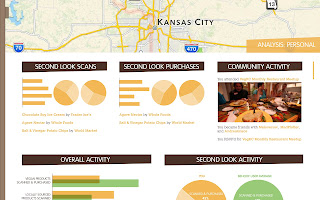 |
| view your behoof info and scroll down |
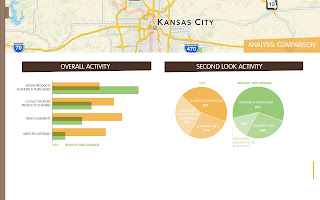 |
| view your behoof activity compared to other users |
Comments are closed for this post.


